
Feature
Kitchen AI bulk scan
One photo. Your whole fridge, catalogued.
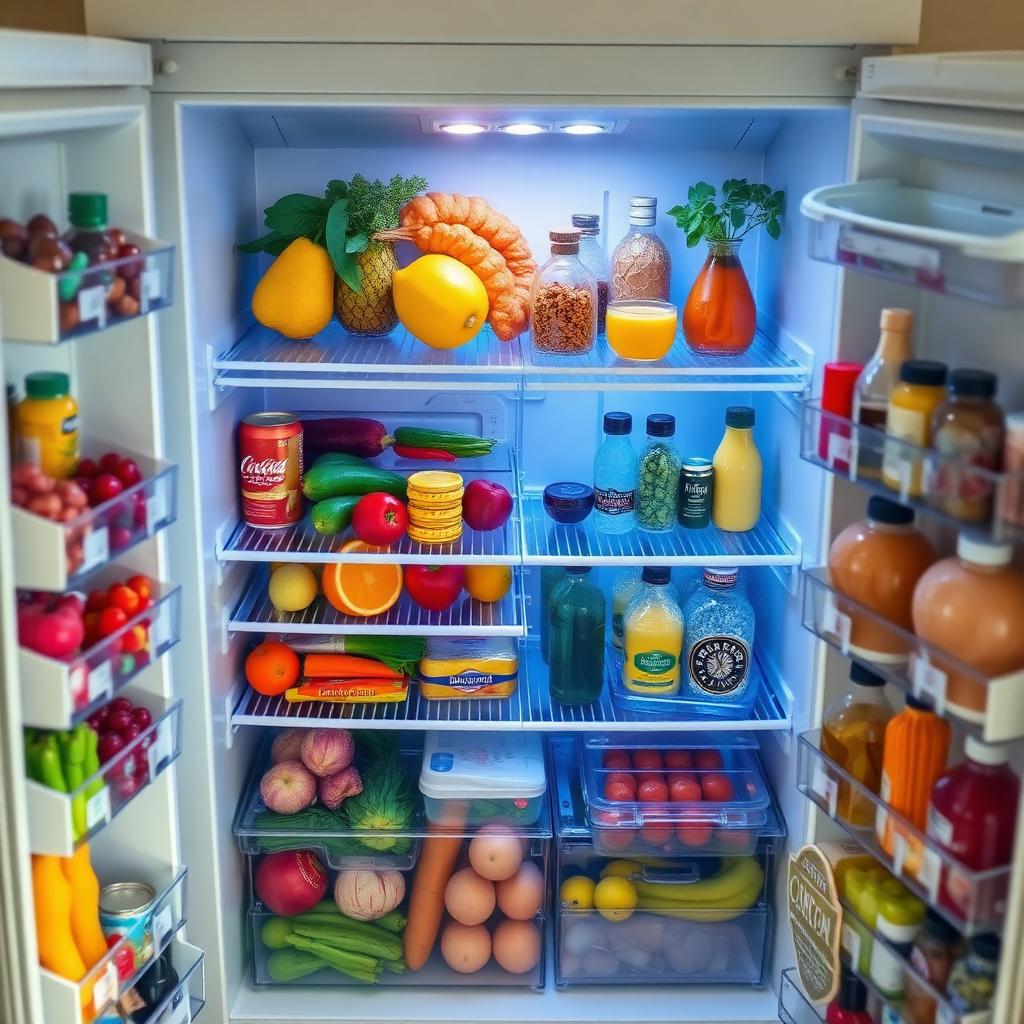
Open Kitchen AI, snap a single photo of your fridge, and every item on the shelves gets added — with a name, category, and estimated expiry. No typing, no barcode scanner.
How it works
A few taps, from open to done.
- 1
Tap Kitchen AI and upload one photo of your open fridge.
- 2
The AI identifies every visible item, groups duplicates, and assigns a category.
- 3
Review the list, then tap Add all to fridge — everything shows up instantly.
- 4
Your original photo is saved so you can look back at what was on the shelves.
What you get
Why it matters.
- Bulk add
12+ items in a single tap instead of adding them one by one.
- Auto categories
Dairy, produce, meat, pantry — sorted automatically.
- Photo memory
The fridge snapshot is stored with the scan for reference.